A fast, local-only timeline editor for Reels, Shorts and TikTok. Nothing is uploaded — because Reeledit never asks for the network at all.
android now · ios on testflight shortly
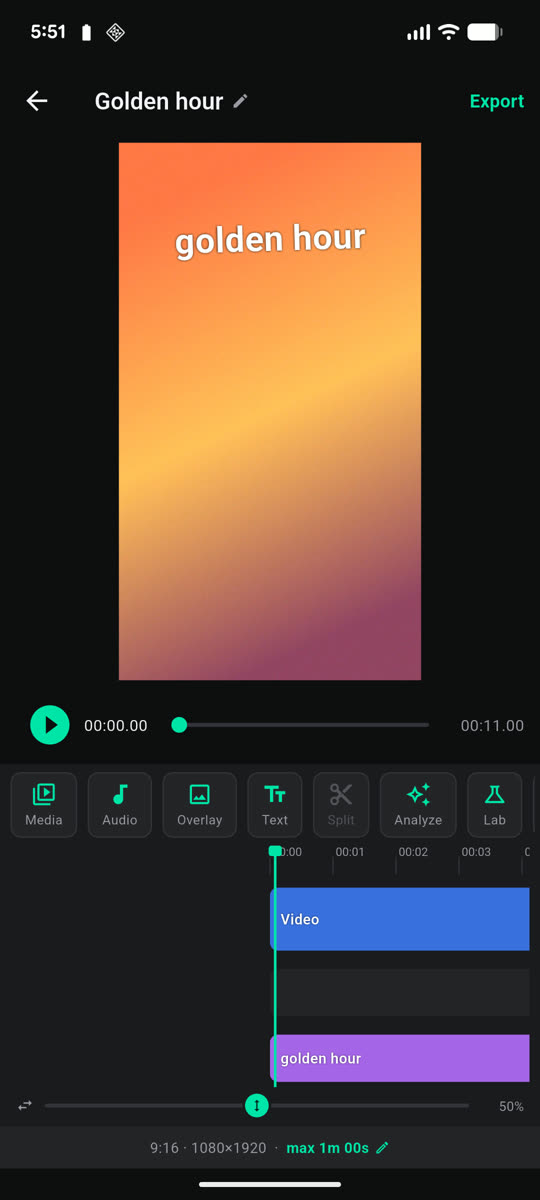
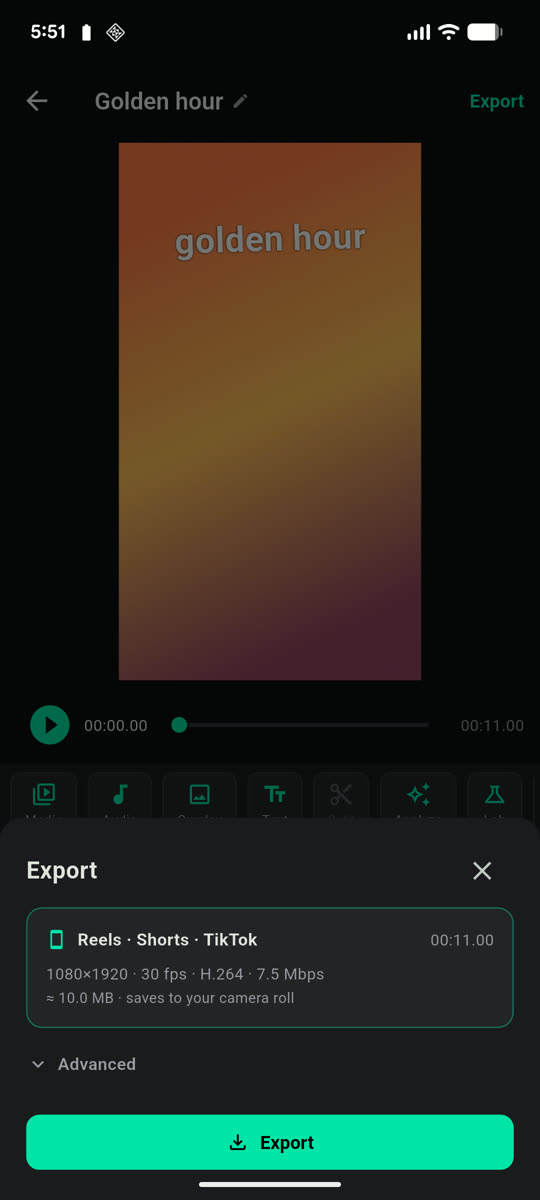
Actual screenshots — Pixel 6
The tools a vertical cut actually calls for, rather than a desktop suite squeezed onto a phone.
A magnetic timeline that keeps clips tight. Trim, split and reorder — gaps close themselves instead of leaving holes to tidy up.
Drag, pinch and rotate text directly on the video. The frame stays visible while you change colour, size and angle, so you can see what you are doing.
Drop audio anywhere on the timeline. It stays locked to the picture wherever you place it, including a silent run-in before the track starts.
One preset sized for Reels, Shorts and TikTok — 1080×1920 at 30 fps — landing straight in your camera roll. Advanced settings are there if you want them.
Reeledit collects nothing. No accounts, no analytics, no advertising, no crash reporting. Editing and exporting run entirely on your device.
Plenty of apps say this. What makes it checkable here is that Reeledit never asks for permission to reach the network at all — so uploading your footage is not something it is able to do, whatever it might claim.
Verify it yourself: the released Android app does not request the INTERNET
permission. The privacy policy lists every permission it does use,
and why each one is there.
Reeledit is in closed testing, so it isn't on the app stores yet. Builds are rough in places — that is rather the point, and reports are welcome.